Practical
Tools focus on real workflows and useful outcomes rather than feature count.
Practical applications designed directly by Horizon Tech Services for Windows, macOS, and Linux—built to make demanding tasks clearer, faster, and more dependable.
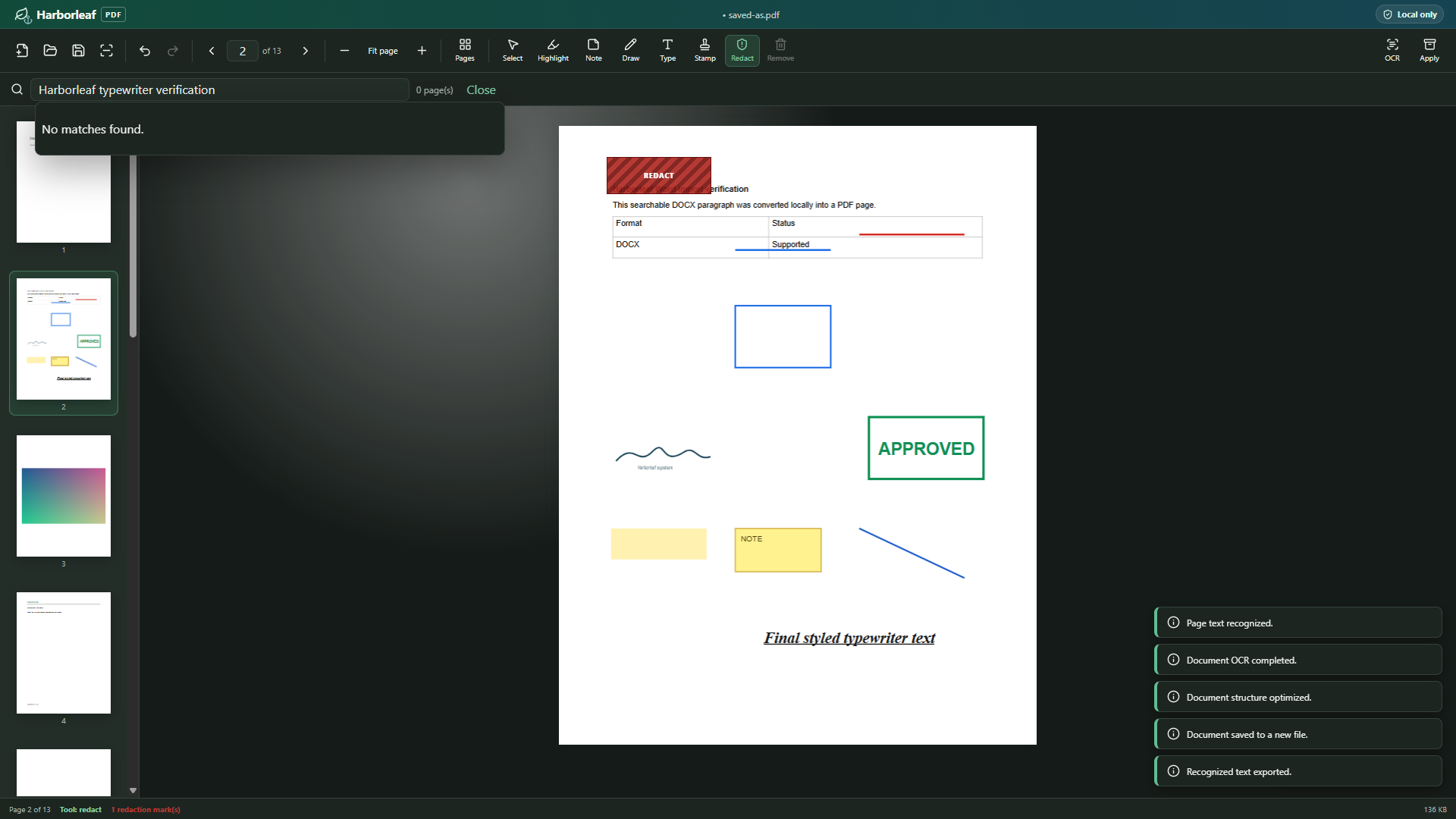
Local-first desktop PDF editor
View, organize, edit, annotate, OCR, permanently redact, scan, and print PDFs in a private local-first Windows workspace. Harborleaf PDF is available now in the Microsoft Store and requires Windows 11 version 24H2 or newer. macOS and Linux editions remain in development.
Windows desktop productivity application
Organize documents, configure board packets, preview spreadsheets, and produce polished packet PDFs locally. Available now in the Microsoft Store for Windows. macOS and Linux editions are in development.
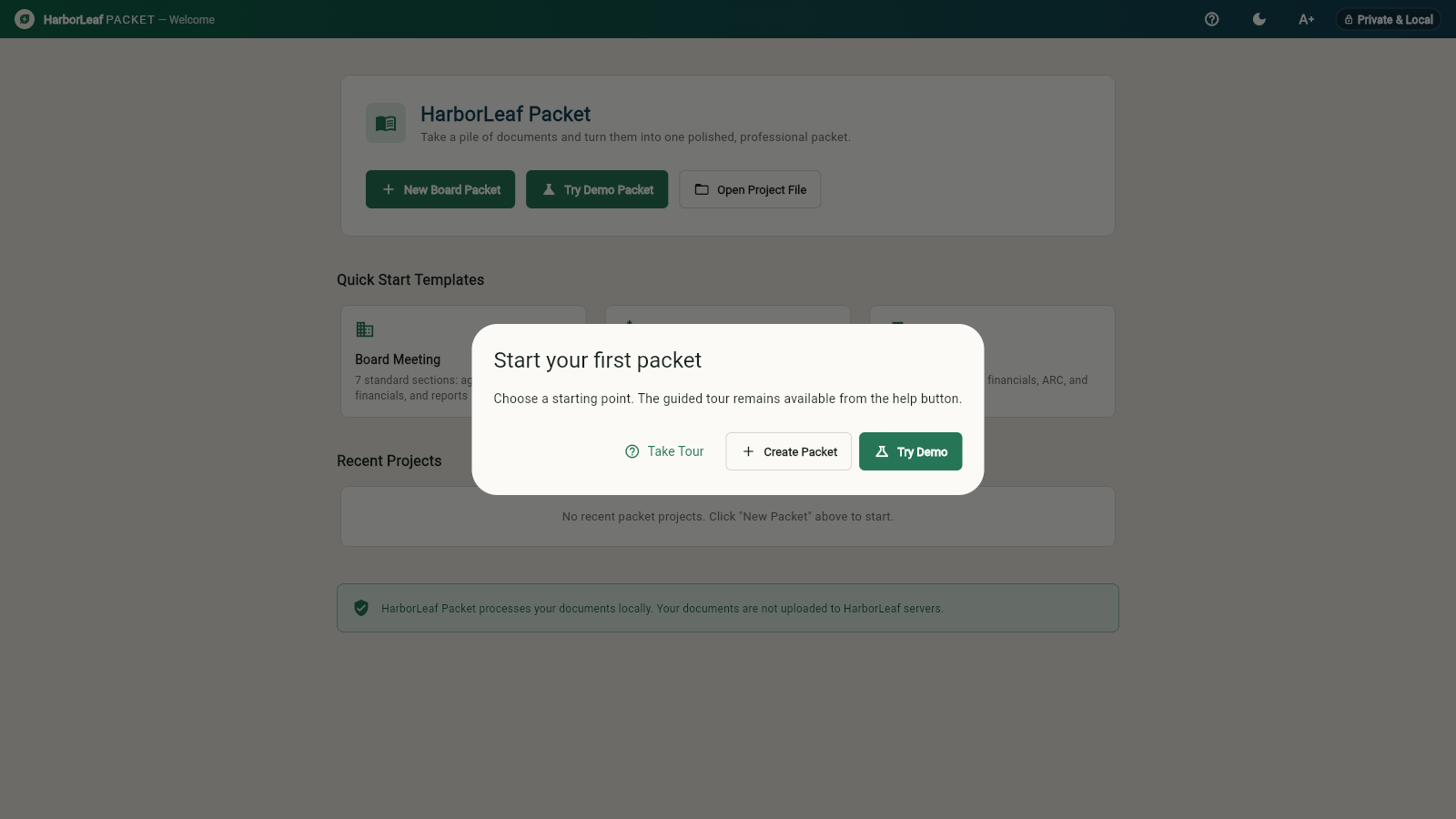 Private. Local. Ready for the boardroom.
Local-first meeting management and minutes workspace
Harborleaf Meeting is coming soon for Windows. The upcoming local-first workspace is designed for timed agendas, roll calls, formal votes, cross-meeting action items, and certified PDF minutes without sending sensitive governance records to third-party servers. macOS and Linux editions remain in development, and an enhanced Pro version is planned for a future release.
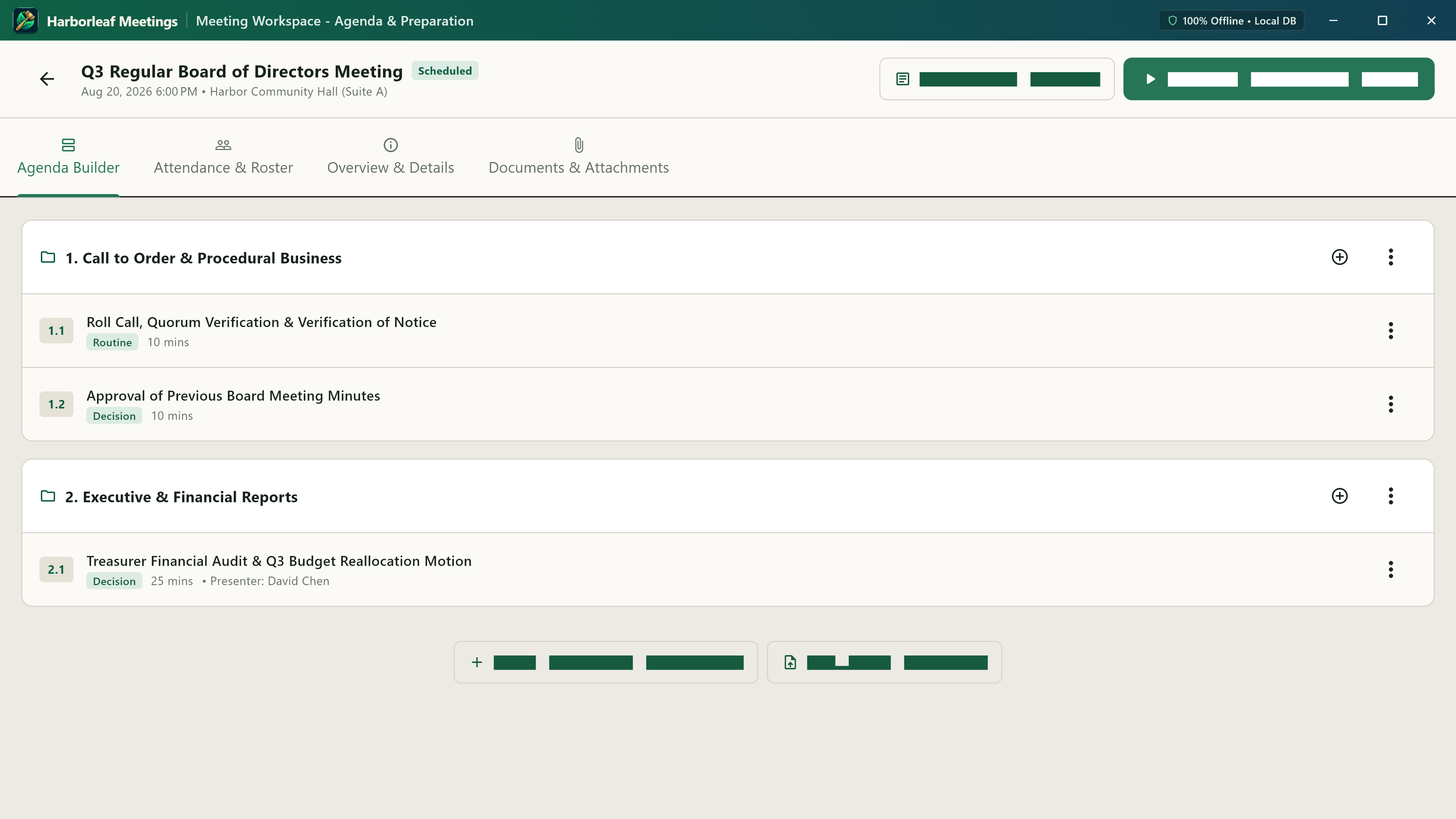 Prepare. Convene. Record. All on your device.
Tools focus on real workflows and useful outcomes rather than feature count.
Windows, macOS, and Linux are treated as first-class desktop environments.
Local processing is preferred when sensitive work should remain on the device.
Clear controls, safe file handling, and platform conventions support confident work.