Harborleaf Packet application icon

Horizon Tech Services

Harborleaf Packet

From scattered documents to a boardroom-ready packet.

Build polished board packets without sending sensitive documents to an external document-processing service. Organize sections, configure presentation, review quality, and export one finished PDF.

  • Microsoft Store
  • Windows desktop
  • Mac & Linux in development
  • Local-first
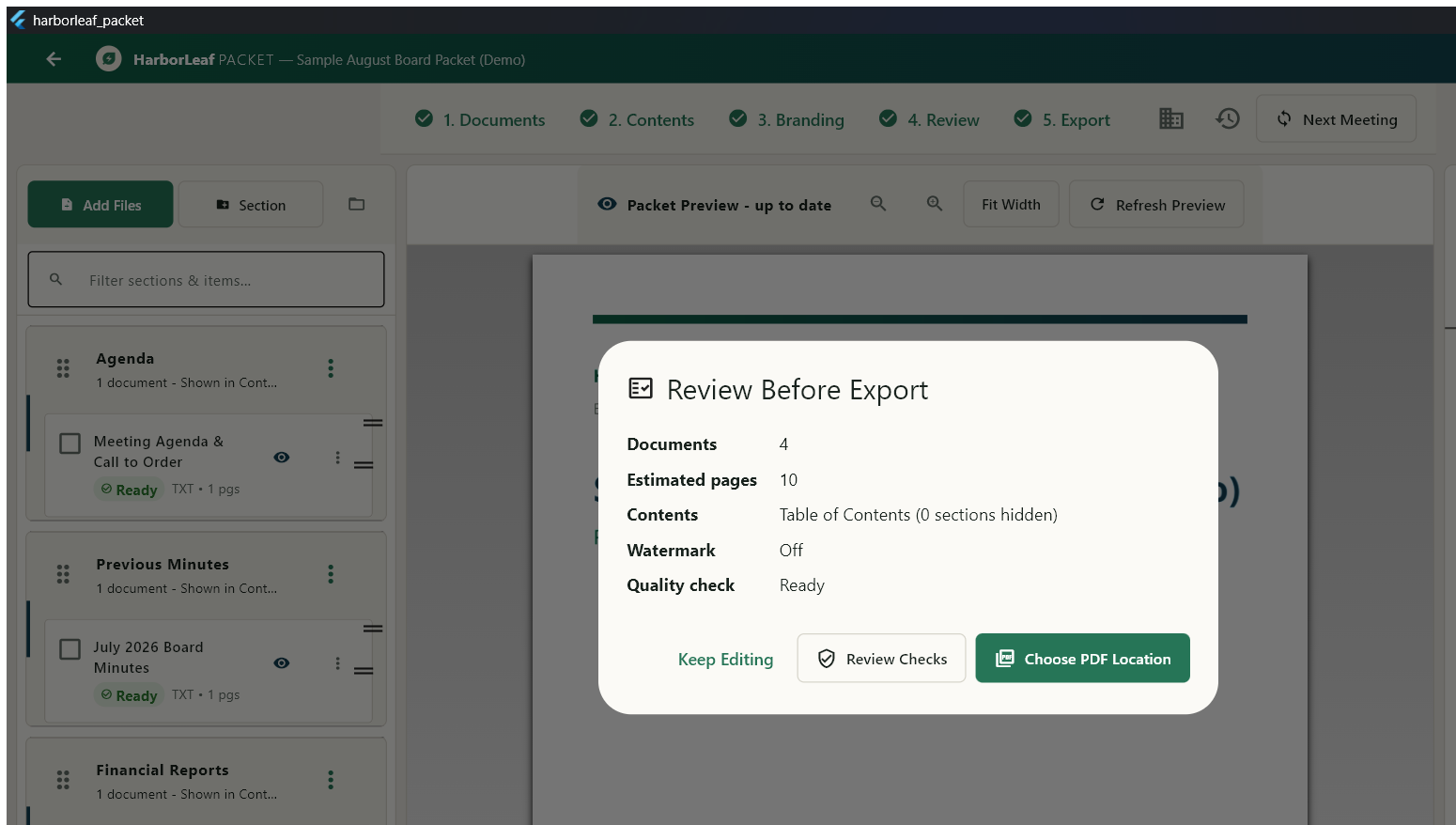
Harborleaf Packet export review showing document count, estimated pages, contents, watermark, and readiness
Review the complete packet before export.
See it in action

One focused workflow, start to finish

Bring source documents together, shape the presentation, check the finished packet, and keep the work on your device.

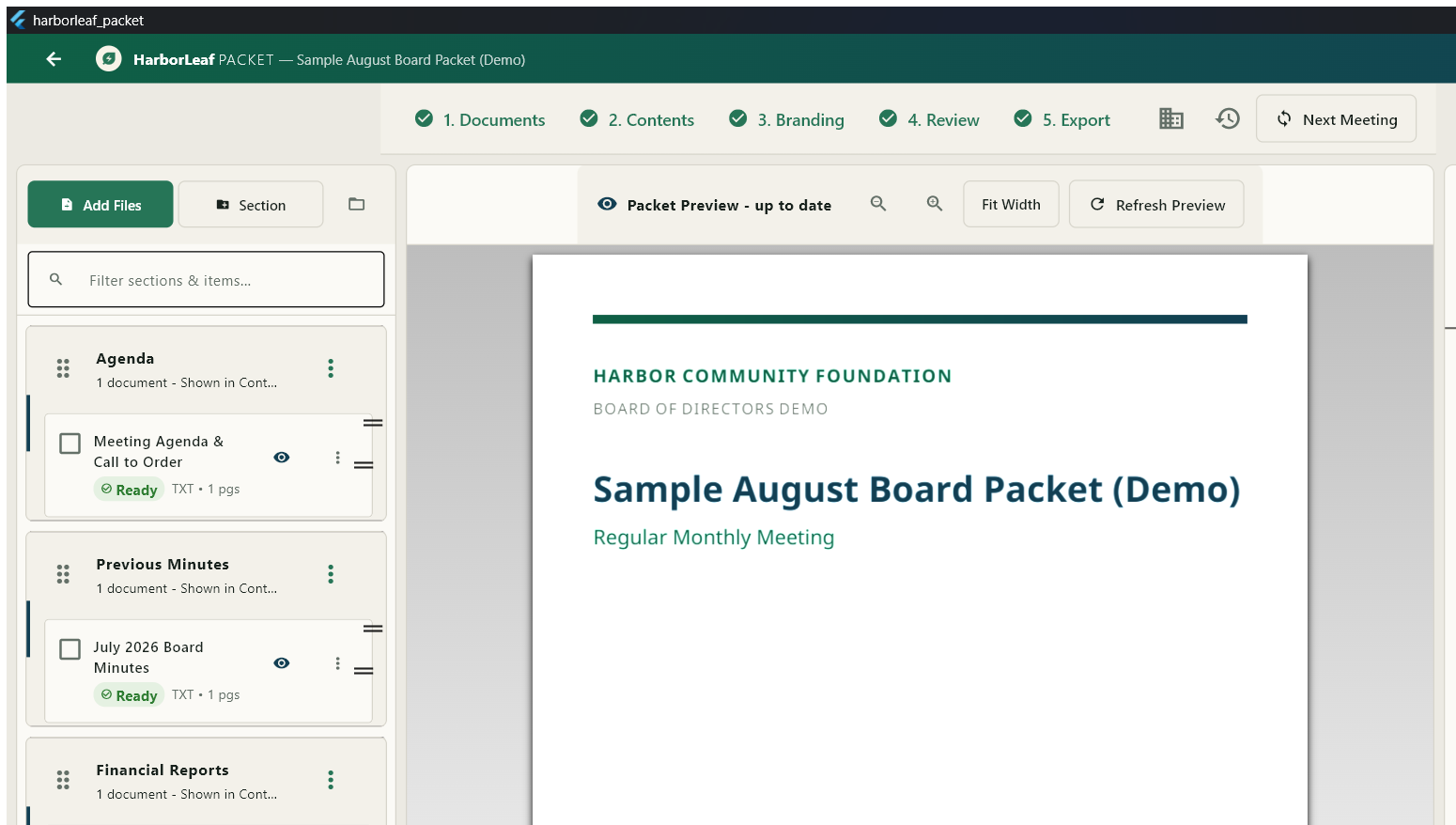
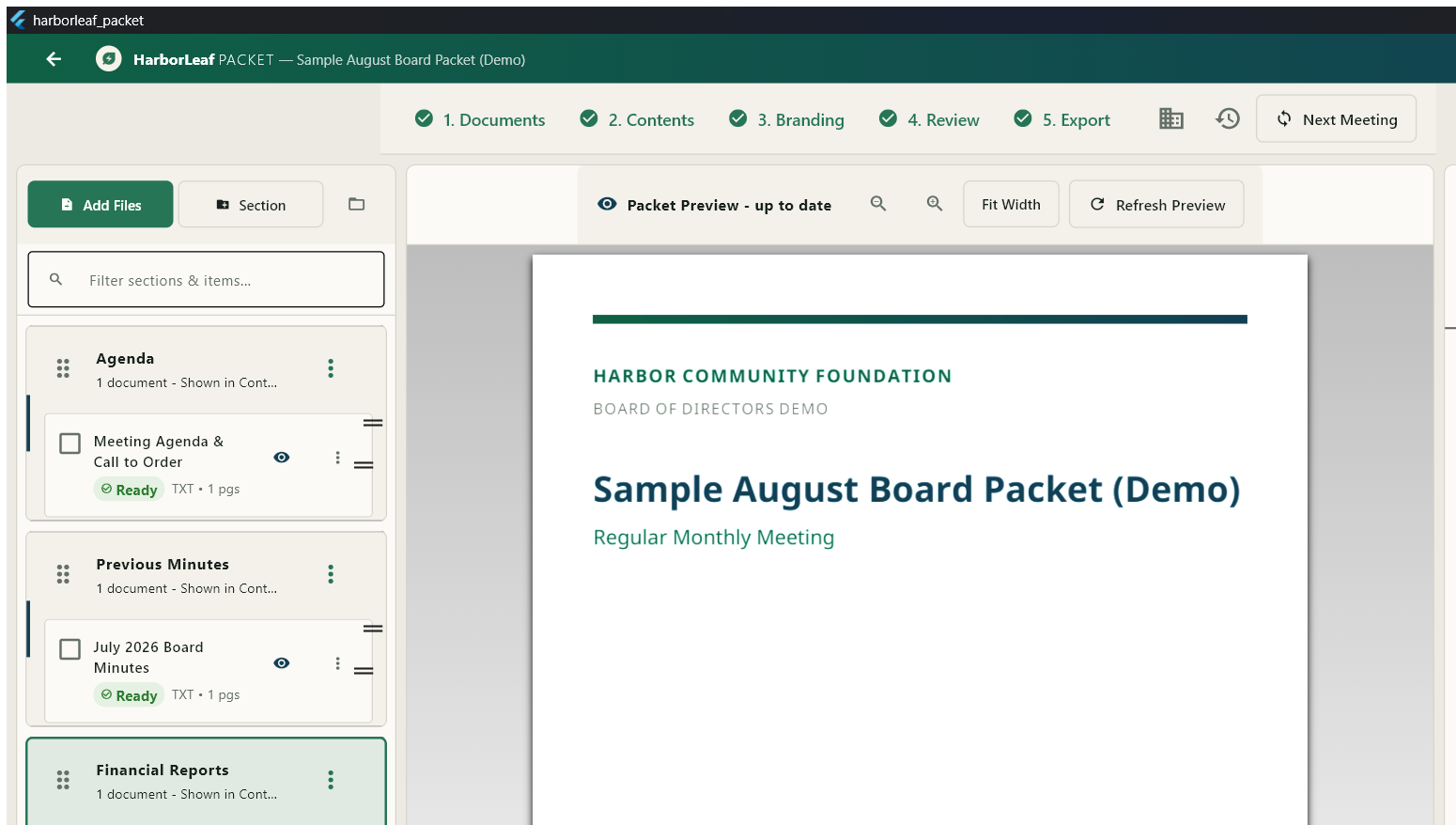
A document being dragged into a highlighted section in Harborleaf Packet
Drop files into placeAdd a document directly to the right packet section.
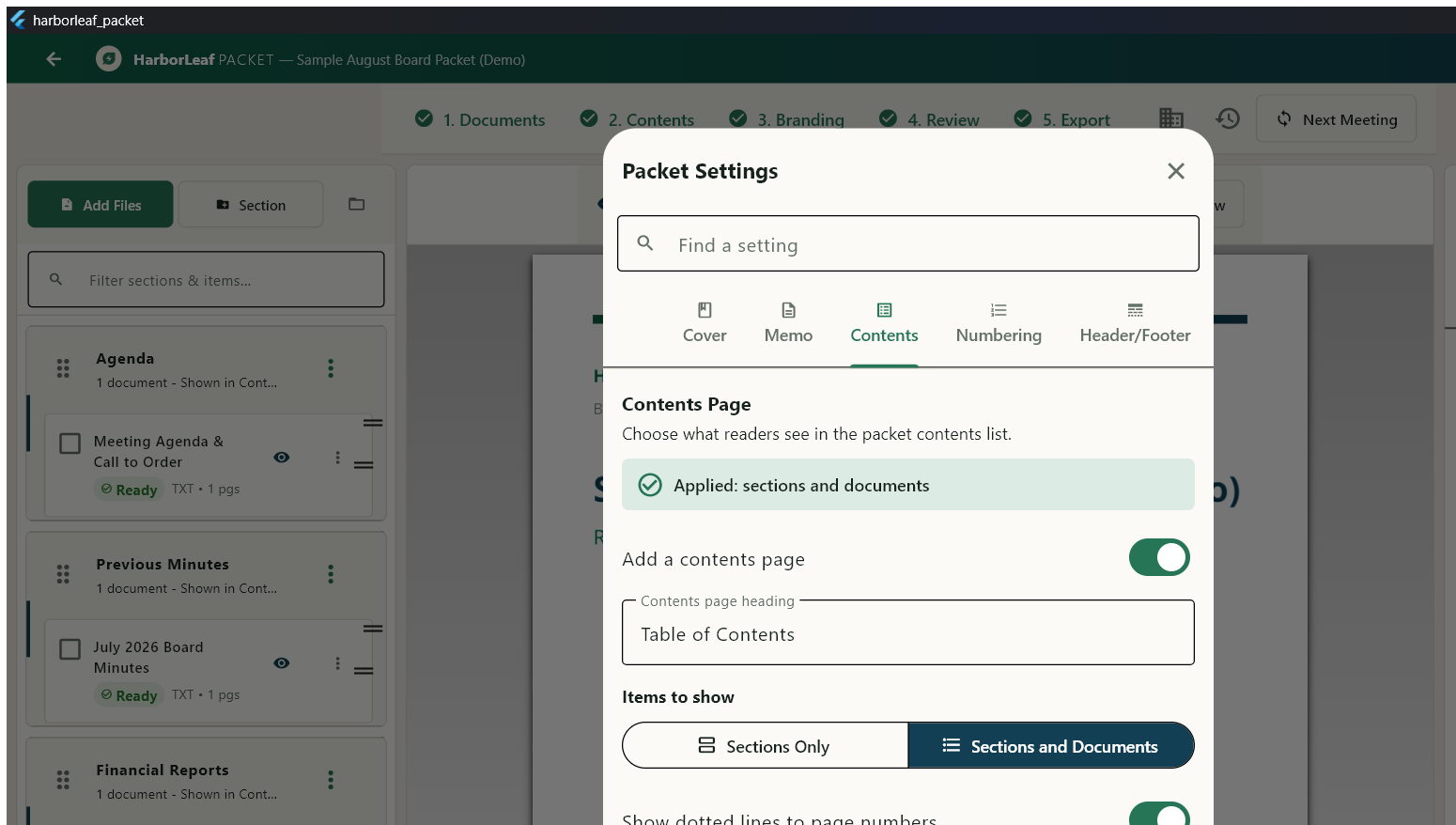
Harborleaf Packet contents settings for detail, dotted leaders, columns, and print sizing
Shape the contentsBuild a clear, reader-friendly contents page.
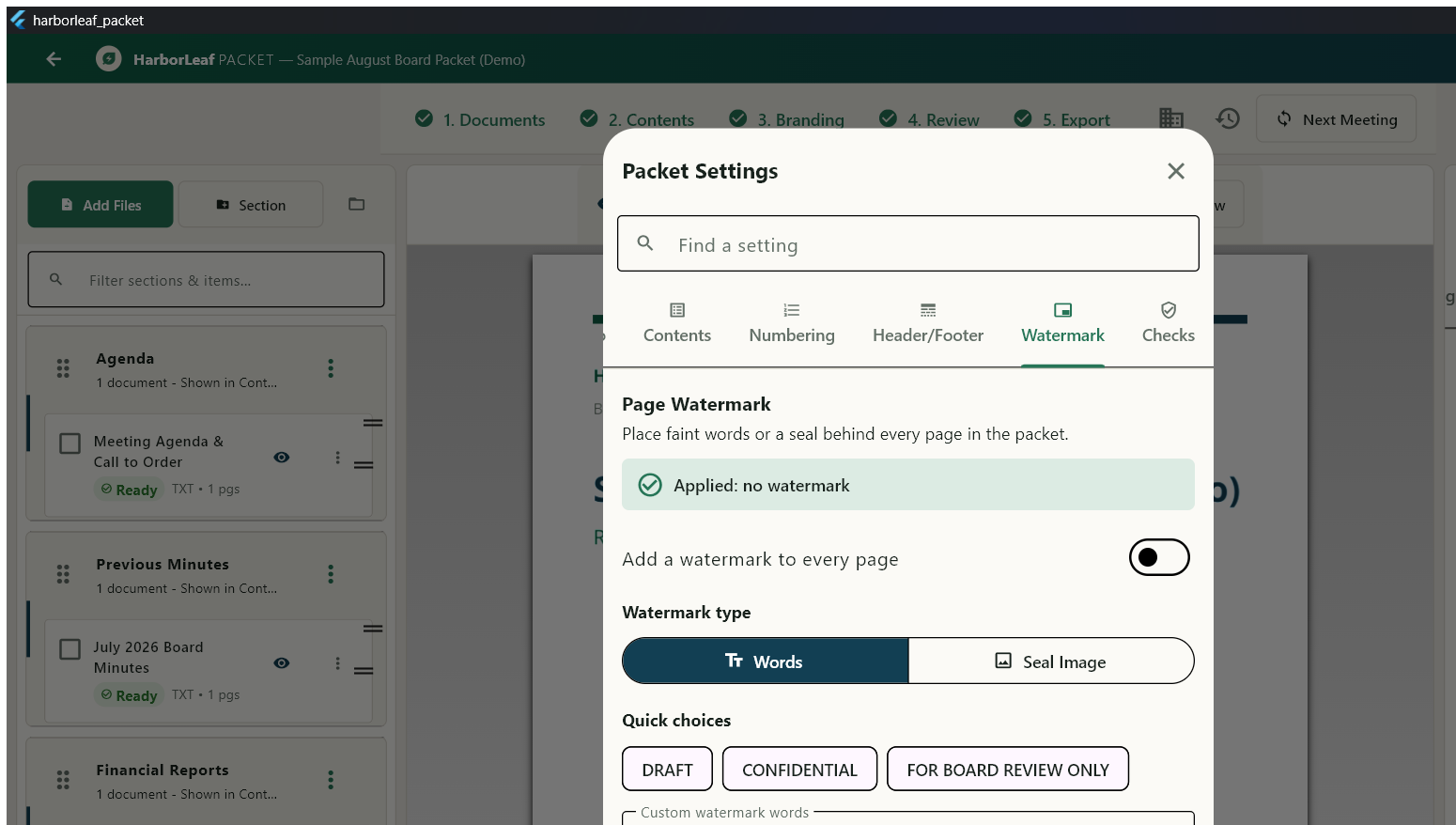
Harborleaf Packet watermark controls for text, visibility, opacity, and angle
Apply consistent safeguardsConfigure the packet watermark and its presentation.
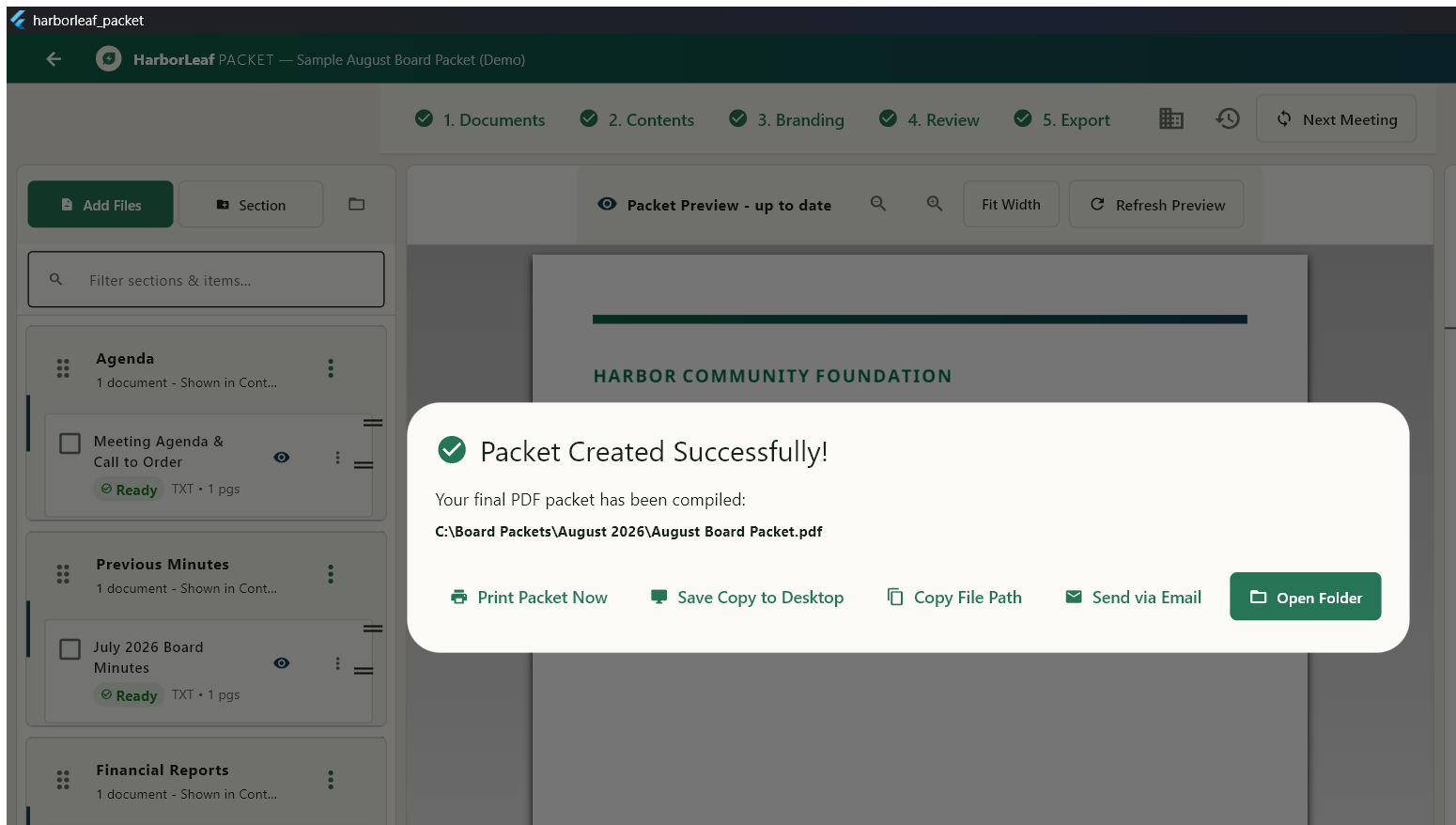
Harborleaf Packet confirming that the final PDF was created successfully
Create the final PDFGet confirmation after the completed packet is written.
Board-packet workspace

From source documents to one polished packet

01 / Organize

Build the packet structure

Arrange documents and packet sections into the order your readers need.

02 / Import

Bring documents together

Import supported PDF, Word, Excel, CSV, and other document formats into one workspace.

03 / Preview

Check spreadsheet layouts

Choose a worksheet layout, generate the actual preview, and include or exclude individual sheets before import.

04 / Configure

Set packet presentation

Configure cover, memo, contents, header and footer, watermark, and packet settings.

05 / Export

Generate a combined PDF

Produce one finished PDF packet from the organized source material.

06 / Recover

Protect in-progress work

Autosave and recovery features support a local-first document-assembly workflow.

Product resources

Harborleaf Packet information

Part of the Harborleaf application family

Related: Harborleaf PDF

Harborleaf PDF is a separate local-first application for editing, organizing, annotating, and processing PDF documents.

Explore Harborleaf PDF